Performing a website accessibility audit is not as simple as running a free online scanner. Industry observation suggests many site owners mistake scanner output for a real audit, but what you actually get from a scanner is a triage list, and typically a partial one. A genuine accessibility audit for a website is a structured, multi-layered evaluation that combines automated checks with hands-on manual testing against a defined compliance standard, produces a prioritized findings report, and leads directly to code-level fixes.
This guide covers what a proper audit actually involves, which tools professionals rely on, how to read and act on the results, and how to decide when a DIY approach is enough versus when you need a specialist. If you run a Shopify store, services like AccessoraX handle this entire process at the code level inside your theme files, but more on that later.
What an Accessibility Audit for a Website Actually Involves
An accessibility audit is a systematic review of a site's code, content, and user interactions to identify every barrier that prevents someone with a disability from using it. The evaluation happens against WCAG, the Web Content Accessibility Guidelines, the internationally recognized standard that both regulators and courts use as the benchmark. The audit operates on two levels: the technical layer (code structure, semantic HTML, ARIA usage) and the experiential layer (how a real person using a screen reader or keyboard actually navigates the site).
Scope definition comes first. You don't audit every URL on a 500-page site. Instead, auditors select representative pages that cover each content type and core user flow: homepage, navigation, a product or service page, a form or checkout, and any custom interactive components. These pages contain the patterns that repeat across the entire site, so fixing them has a multiplying effect.
What WCAG Is and Why It's the Benchmark Every Audit Uses
WCAG 2.2 is the current standard, containing 86 success criteria organized under four principles: Perceivable, Operable, Understandable, and Robust (POUR). Those criteria are graded at three conformance levels: A, AA, and AAA. Level AA is the legal and industry target. Under U.S. ADA Title III guidance formalized in 2026, WCAG 2.1 AA is the explicit requirement, but auditing against WCAG 2.2 AA is current best practice since it adds nine new criteria covering low vision, cognitive disabilities, and touch and keyboard navigation improvements. Conformance is binary: you either meet all criteria at a given level or you don't.
The Difference Between a Surface Scan and a Full Audit
A surface scan runs an automated tool and outputs a flagged-items list. A full audit goes further: it includes manual keyboard testing, screen reader walkthroughs, evaluation of dynamic content and focus management, and a documented findings report with WCAG criterion references attached to every issue. The vast majority of "instant accessibility reports" you find online are the former, not the latter. They're a useful starting point, but they are not an accessibility audit for your website, and they won't hold up as a compliance record.
See Your Store Through Your Customers' Eyes
AccessoraX's free audit gives you a personalized walkthrough of your homepage accessibility. See exactly what screen readers encounter, no automated score, no vague report.
Get Your Free AuditAutomated Scanning Tools and What They Reliably Catch
Automated tools are the right first step in any audit workflow. The three most widely used options are axe, WAVE, and Lighthouse. Each has a specific role, and each has real limits you need to understand before you interpret the output.
axe, WAVE, and Lighthouse: What Each Tool Is Best At
axe is the industry standard. Its open-source axe-core engine powers the testing layer inside many other tools, which speaks to its reliability and accuracy. WAVE, built by WebAIM, is strong for visual feedback: it overlays icons directly onto the page with clear issue descriptions, which makes it faster for visual learners to interpret results. Lighthouse is free, built into Chrome DevTools, and useful for quick health checks, but its WCAG coverage is narrower than axe or WAVE. Use axe or WAVE for detailed audits; use Lighthouse as a fast gut-check during development.
Why Automated Scans Miss More Than Half of Real Barriers
Important Limitation:
A widely cited WebAIM analysis found that automated accessibility evaluation tools detect roughly 30 to 40 percent of real accessibility barriers. More mature automated systems can push detection closer to 57 percent, but even at that ceiling, the majority of issues still require human judgment.
The reason is straightforward: context-dependent issues can't be resolved by pattern matching alone. A scanner can confirm that a button has a label attribute. It cannot determine whether that label makes sense to a screen reader user navigating through a list of buttons out of visual context. Logical reading order, meaningful link text, correct ARIA usage, and keyboard trap detection all fall into the category of issues that only a human tester can reliably evaluate.
How to Run Your First Automated Scan Without Over-Interpreting Results
Install the axe DevTools or WAVE browser extension, open your homepage, and run the scan. Review every flagged item and use the output as a triage list for known violations. Do not treat a clean scan as a compliance certificate. According to WebAIM's Million report, 94.8 percent of websites have at least one detectable accessibility failure, so if your scan returns zero issues, the tool isn't finding them, not because they don't exist. For a practical overview of accessibility testing and automation options, see this accessibility testing tools roundup.
Manual Testing: What Screen Readers and Keyboard Navigation Reveal
Manual testing is the core of any professional accessibility evaluation. No automated tool substitutes for it. The two primary manual methods are keyboard-only navigation testing and screen reader testing, and together they surface the issues that cause real users to abandon your site.
Keyboard Navigation Testing: What to Check and How
Press Tab to move through every interactive element on the page and verify three things: focus indicators are visible, all functions accessible by mouse are also reachable by keyboard, and no keyboard traps prevent a user from exiting a modal or dropdown. Common failures surfaced this way include invisible focus rings, non-functional dropdown menus, and inaccessible modal close buttons. These are straightforward to test and straightforward to fix at the code level.
Screen Reader Testing: What It Sounds Like and What It Reveals
A screen reader reads the DOM aloud, not what's visually rendered. That distinction matters because visual styling tells you nothing about what a screen reader user actually hears. The standard testing combinations used in professional audits are NVDA on Windows with Chrome and VoiceOver on macOS with Safari. Testers listen for heading announcements (which serve as the navigation structure), image alt text descriptions, form label associations during input, and error message delivery after a failed submit. AccessoraX uses both combinations when auditing Shopify stores, which is precisely what separates a professional audit from a scanner report.
The Most Common Manual Testing Failures by Category
Across e-commerce audits, the failures that appear most consistently are:
- Broken heading hierarchy (headings skipping levels or used purely for visual styling)
- Unlabeled form inputs
- Images with missing or generic alt text (filenames like "IMG_4857.jpg" instead of a real description)
- ARIA attributes applied incorrectly to native elements
- Color contrast failures that automated tools can miss when contrast ratios become insufficient only at certain viewport sizes or during dynamic state changes
All of these are code-level issues. None of them get fixed by installing a widget overlay.
The WCAG Standard Your Audit Measures Against
WCAG 2.2 organizes its 86 success criteria under four principles, and understanding those principles is what makes audit findings interpretable rather than just a list of pass/fail checkboxes. For the official standard see the W3C's WCAG documentation, and for a practical WCAG 2.2 summary and checklist see Level Access's guide.
The Four POUR Principles and How They Shape Every Audit Finding
Perceivable
Can users perceive all content, including non-text content like images, video, and icons?
Operable
Can users navigate and interact using keyboard, touch, or assistive technology input methods?
Understandable
Is the content readable, predictable, and does the interface behave consistently?
Robust
Does it work with current and future assistive technologies, including as browsers and screen readers evolve?
Every finding in an accessibility audit for a website gets classified under one of these four principles, which makes it easier to communicate impact to non-technical stakeholders.
Level A, AA, and AAA: Which One Your Site Needs to Meet
Level A covers the minimum baseline. Failures here mean critical blockers: a user with a disability cannot complete a core task at all. Level AA is the legal and industry target in most jurisdictions, covering the majority of user needs and forming the standard that ADA litigation references. Under U.S. ADA Title III guidance, WCAG 2.1 AA is the explicit benchmark as of 2026. Achieving AA means you've also passed all Level A criteria. Level AAA is aspirational and not required for full conformance. Auditing against WCAG 2.2 is best practice regardless, because it adds protections for cognitive and motor disability use cases that WCAG 2.1 didn't address.
Reading Your Audit Results and Building a Remediation Plan
A completed audit is only useful if the output can drive action. A professional report contains an executive summary with overall conformance status, a methodology section covering testing environments and tools, a scope section listing every page tested, a detailed findings table, and a compliance statement. The findings table is the working document your development team will actually use. For guidance on formalizing test results into a report you can share with stakeholders, consider using W3C's test and evaluation report template as a baseline.
What a Complete Audit Report Includes
Each finding in the table should include:
- A unique issue ID
- The page URL where the issue was found
- The specific WCAG success criterion violated
- The conformance level (A or AA)
- The affected user groups
- A screenshot or code snippet as evidence
- Remediation guidance written at a developer level
Vague descriptions like "fix contrast" don't move tickets forward. Specific guidance like "increase body text color from #767676 to #595959 on white backgrounds to achieve a 4.5:1 contrast ratio" does.
Severity Ratings and How to Prioritize Your Fix Queue
Three-Tier Priority Model:
- Critical: Level A failures that block core tasks entirely
- High: Level AA failures on key user flows like checkout or account login
- Low: Minor enhancements or items that don't affect core functionality
Prioritization should factor in traffic volume alongside WCAG level. A Level AA failure on the checkout page outranks a Level A failure on the press page because far more users hit the checkout, and the business impact of a broken checkout is immediate. Fix Critical items first, then work through High-priority items by traffic volume.
Common Findings and What the Fixes Look Like in Practice
Five findings appear in nearly every e-commerce audit. Here's what each one looks like and how to fix it:
1. Missing Alt Text
Add a descriptive alt attribute to every informational image. Decorative images get alt="" to tell screen readers to skip them.
2. Heading Structure Violations
Enforce a logical hierarchy from h1 through h3. Never skip levels. Headings are the navigation structure for screen reader users.
3. Unlabeled Form Fields
Associate a <label> element to each input using the for attribute matched to the input's id. Placeholder text is not a label substitute.
4. Keyboard Traps
Ensure the Tab key exits every modal, dropdown, and interactive component. Users should never need a mouse to escape a UI element.
5. ARIA Misuse
Replace unnecessary role attributes on native HTML elements with semantic HTML. A <button> element needs no role="button". Native elements carry their roles automatically.
When to Handle the Audit Yourself vs. Bring in a Specialist
A DIY audit is a reasonable first step for small sites or teams that want to triage before committing budget. Run the automated scan, fix the obvious quick wins, and build familiarity with the issues before scoping a professional engagement, then bring in a specialist once you've cleared the low-hanging fruit.
The limits appear quickly, though. Without consistent screen reader experience and deep WCAG knowledge, manual testing produces unreliable results. Inexperienced auditors routinely miss the issues that appear in ADA demand letters, specifically: keyboard traps in checkout flows, ARIA misuse in dynamic components, and logical reading order failures. These are the findings that carry legal weight, and they require real assistive technology proficiency to surface reliably.
What a Professional Accessibility Audit for Your Website Delivers Differently
A specialist brings screen reader proficiency, familiarity with platform-specific failure patterns, and the ability to distinguish false positives from genuine violations. For Shopify merchants specifically, that expertise needs to include Shopify's Liquid templating architecture, which introduces accessibility challenges that general-purpose auditors routinely miss. AccessoraX audits against WCAG 2.2 AA using NVDA, VoiceOver, and keyboard-only testing across multiple browsers, then ties every finding directly to the Liquid theme file that needs to be modified, giving your development team a specific, code-level fix rather than a generic problem description.
What to Look for When Evaluating an Accessibility Service Provider
Ask these four questions before signing with any provider:
- Do they use real assistive technology or just automated scanners?
- Do they fix issues at the code level or sell you an overlay widget subscription?
- Do they have documented experience with your specific platform?
- Do they provide a compliance statement and ongoing monitoring, or just a one-time report that leaves remediation to your dev team?
These criteria separate genuine accessibility specialists from vendors selling the appearance of compliance. Permanent native code fixes with no overlay widgets and no recurring widget fees is one example of what that approach looks like in practice; evaluate any provider against these same standards.
Start with What You Can Control Today
For Shopify store owners, AccessoraX offers a FREE HOMEPAGE REVIEW that includes a personalized walkthrough showing exactly what screen readers experience on your store. No commitment, no scanner report dressed up as a compliance certificate. A direct look at what your store sounds like to a blind user, before you decide on next steps.
Get Your Free Accessibility Audit →Conclusion
Conducting a thorough accessibility audit for your website is not a checkbox you run once in an online scanner. It's a structured process: automated triage using accessibility evaluation tools like axe or WAVE, real manual testing against WCAG 2.2 AA, a prioritized findings report, and code-level remediation that sticks. Most site owners can handle the first step themselves. The manual testing layer is where professional expertise starts paying for itself, and the remediation is where it becomes essential.
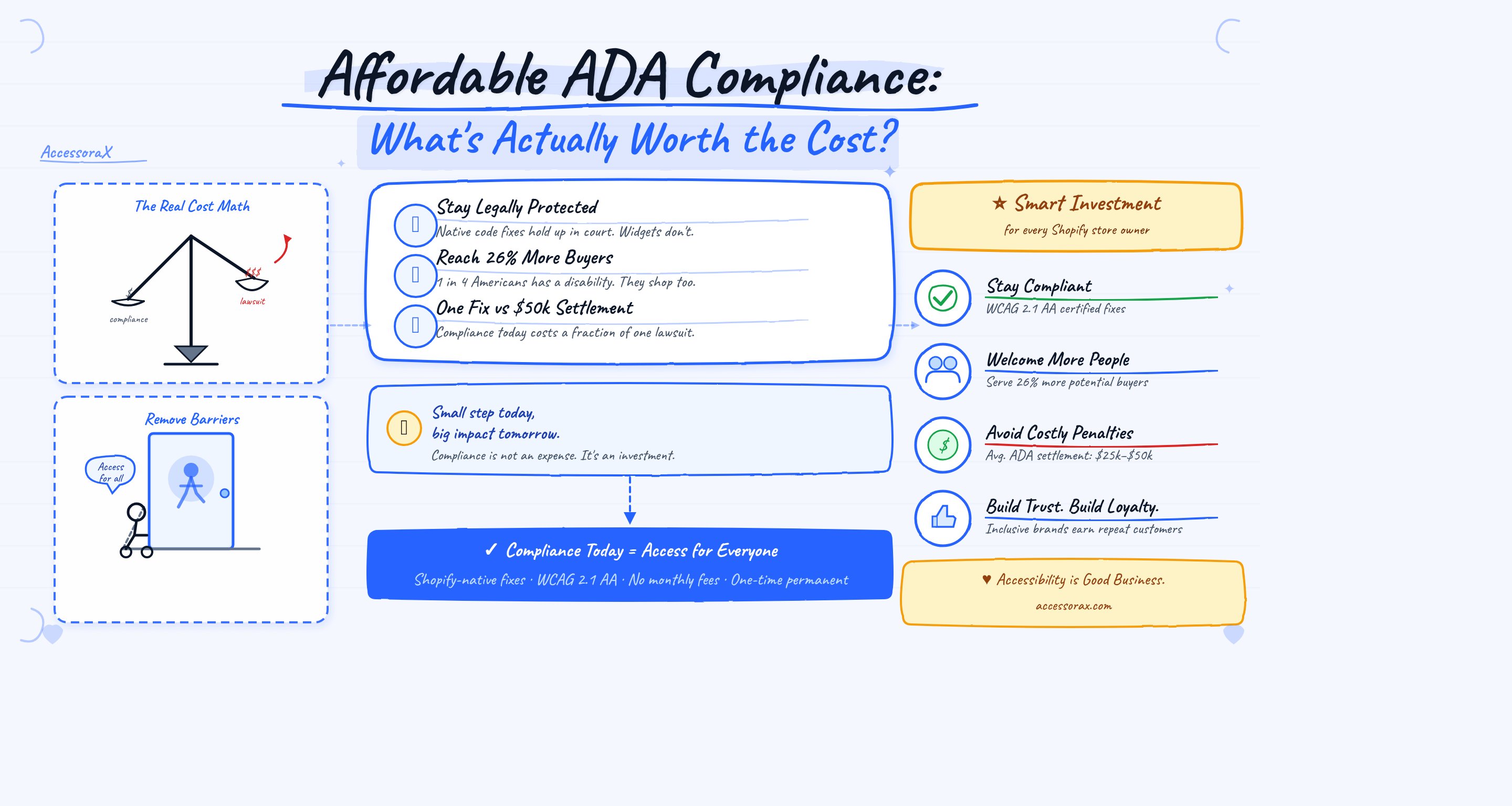
For affordable ADA compliance service options for websites, look for providers that fix your code, not just overlay a widget. The investment in proper compliance pays for itself through reduced legal risk, improved conversion rates, and a better experience for all your customers.
Free 5-Email Accessibility Course
Get actionable tips on what's blocking your customers and costing you revenue. Plus, a free accessibility audit of your store.