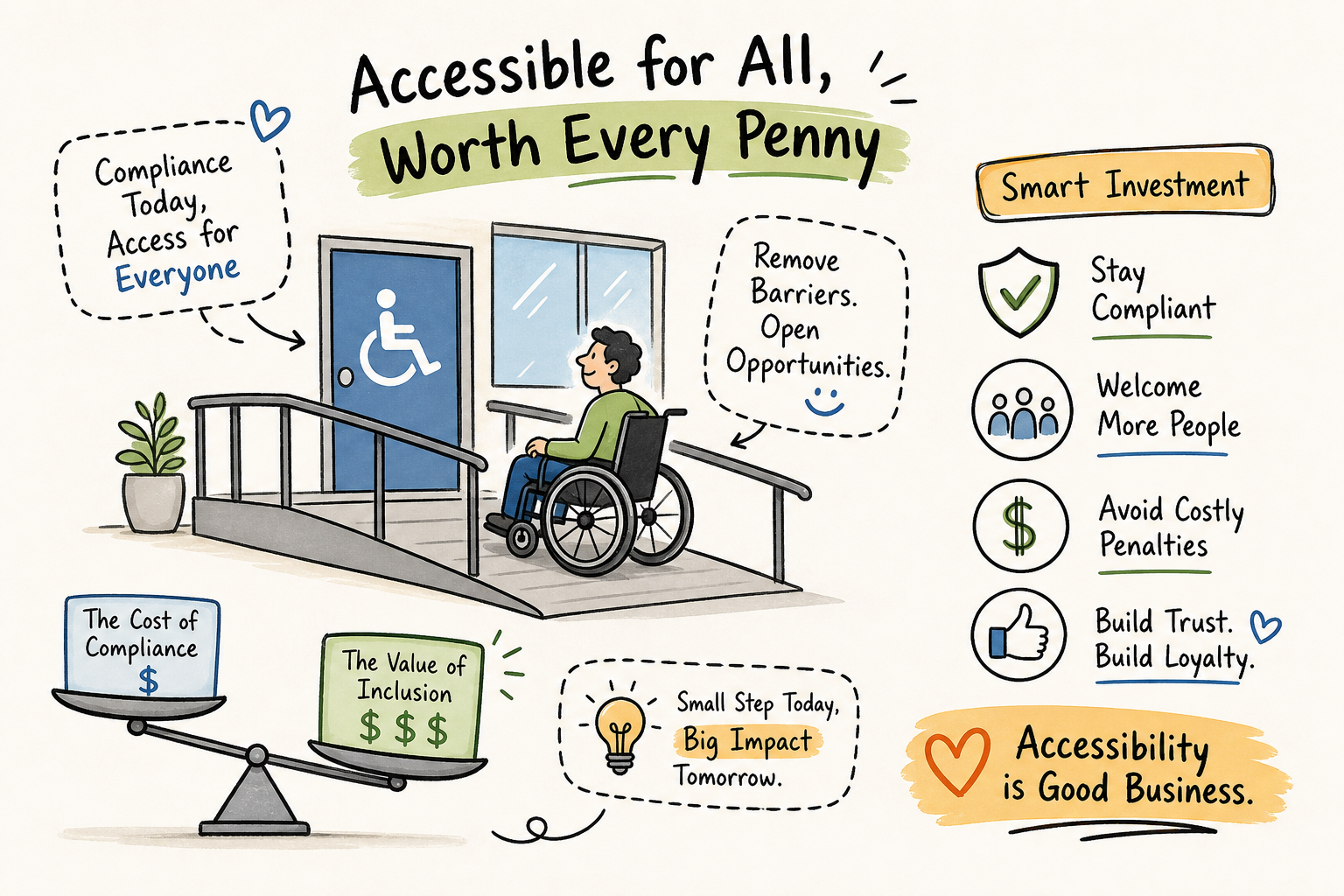
Most people shopping for ADA compliance are asking the wrong question. They want to know what's cheapest. The right question is: what does getting this wrong actually cost you?
That framing shift changes everything about how you evaluate affordable ADA compliance service options for websites. When you factor in legal exposure, the cheapest options on the market often carry the highest financial ceiling. This guide breaks down every realistic option by real price and real risk, so you can make a decision that actually protects you, rather than one that just feels affordable on the invoice.
One thing worth knowing upfront: AccessoraX offers a free micro-audit with a personalized video showing exactly what screen readers experience on your homepage. Most agencies charge thousands for that first look. We do it because transparency is the only honest way to start this conversation.
Why "Affordable" Is the Wrong Filter to Start With
The Real Cost of Non-Compliance:
ADA non-compliance fines run $55,000 to $75,000 per violation. A single demand letter from an accessibility plaintiff's attorney can cost anywhere from $5,000 to $25,000 in legal fees to resolve, even before any settlement. When you run that math against a $1,400 overlay subscription or a $3,000 audit, the cheap options stop looking cheap once legal risk enters the picture.
Affordable compliance means the lowest total risk, not the lowest invoice. Most site owners assume accessibility lawsuits target large corporations. They don't. In 2025, thousands of ADA web accessibility lawsuits were filed in federal court, with a disproportionate share targeting e-commerce retailers. Shopify stores represent a growing slice of that caseload. The plaintiff's bar files high volumes precisely because smaller sites are easier targets: less legal budget, less documentation, and greater likelihood of quick settlement. That context reframes every pricing comparison in this article.
Affordable ADA Compliance Service Options for Websites: A Breakdown
Free and DIY Tools: Useful for Awareness, Not Protection
Free tools like WebAIM WAVE, Google Lighthouse, and AccessibilityChecker.org are legitimate starting points. They run automated checks against common WCAG criteria and flag issues like missing alt text, low color contrast, and broken form labels. For a site owner who has never thought about accessibility before, running a free scan is a worthwhile first step.
The catch is what they miss. Automated tools catch 30 to 50 percent of WCAG violations at best. Everything else requires a human tester using real assistive technology: screen readers like NVDA and VoiceOver, keyboard-only navigation, and device-specific testing across browsers. Complex issues, keyboard traps, incorrect ARIA labeling, inaccessible dynamic content, are invisible to automated scanners.
Use a free scan to diagnose your gaps and sharpen the questions you ask a provider. That's the appropriate role for it.
Overlay Widgets: Where Cheap Gets Expensive Fast
Accessibility overlay products market themselves as fast, affordable fixes. accessiBe's base plan runs around $490 per year for low-traffic sites, scaling to $1,490 or more as traffic grows. UserWay starts around $69 per month. The pitch is simple: one line of JavaScript, instant compliance.
The Structural Problem:
Overlays inject a JavaScript layer after your page loads. By the time that layer runs, screen readers have already parsed your HTML and encountered every structural problem in your code. The overlay never reaches those problems. Over 800 lawsuits were filed against companies using overlays in 2023 and 2024 specifically because those overlays provided the appearance of compliance without the substance.
The math gets worse over time. The subscription model means you are paying $1,200 to $1,500 every year indefinitely while still carrying full legal exposure. Over five years, that is $6,000 to $7,500 spent with nothing fixed at the source. Manual remediation with a one-time fee eliminates that recurring drain.
See Your Store Through Your Customers' Eyes
AccessoraX's free audit gives you a personalized walkthrough of your homepage accessibility. See exactly what screen readers encounter, no automated score, no vague report.
Get Your Free AuditManual Remediation: What You Actually Pay and What You Actually Get
| Site Size | Cost Range | Timeline |
|---|---|---|
| Small (under 20 pages) | $5,000 to $15,000 | 2 to 8 weeks |
| Medium (50 to 100 pages) | $10,000 to $25,000 | 4 to 12 weeks |
| Large/Enterprise | $25,000 to $75,000+ | 8+ weeks |
Manual accessibility remediation for a small website typically runs $5,000 to $15,000, depending on the number and complexity of violations. For a Shopify store, the scope is usually tighter because the platform is standardized: theme files, checkout flow, and app integrations are the primary audit targets.
A thorough manual remediation includes a manual audit using real assistive technology, code-level fixes applied directly to your site files, and a re-test to confirm issues are resolved. Legitimate providers also deliver documentation: audit reports, a VPAT, and an accessibility statement. That documentation strengthens a good-faith defense and can meaningfully influence how a dispute gets resolved.
The Biggest Advantage of Manual Remediation:
Your code is fixed. You don't pay again next month for the same problems to remain unfixed. Ongoing maintenance is a separate, smaller cost covering new content and future updates, but the foundation is solid. For most small businesses, the total cost of manual remediation over five years is lower than five years of overlay subscriptions combined with the legal exposure those subscriptions never eliminate.
What a Trustworthy ADA Compliance Provider Actually Looks Like
Many accessibility agencies use a "free audit" as marketing bait. They run an automated scan, generate a 40-page report you cannot act on, and quote you a large retainer. A real provider shows you what is actually happening on your site using screen readers and genuine assistive technology, then explains what it means in plain language.
When evaluating any provider, cut through the noise with these questions:
- Do they fix the underlying code, or do they apply a widget layer?
- Will you receive a VPAT and audit documentation you can use if a dispute arises?
- What specific assistive technology do they use for testing?
- Do they have direct platform experience with your site's technology?
Any provider that hedges on those answers is telling you something important about how seriously they take the work.
Matching the Right Option to Your Actual Situation
If your site is small, your legal exposure is limited, and you have some technical knowledge, starting with a free DIY scan is reasonable. Use WAVE or Google Lighthouse to identify the most obvious issues and fix what you can. Avoid overlays even at this stage. The false sense of security they create is more dangerous than no action at all.
If you've received a demand letter, if your revenue is well into six figures, or if you run a Shopify store with consistent traffic, manual remediation is the only defensible path. The $5,000 to $15,000 cost for a small site is real money. It is also a fraction of what a settlement costs. Out-of-court resolutions for small e-commerce businesses commonly range from $10,000 to $30,000 before attorney fees.
If you're currently on an accessiBe or UserWay subscription, the overlay is not protecting you. The money you spend every year is buying you recurring legal exposure, not compliance. A one-time native code remediation eliminates both the subscription cost and the risk simultaneously.
Get Eyes on Your Actual Site First
AccessoraX's free micro-audit shows you exactly where you stand. Your homepage through a screen reader, explained by someone who does this every day, at no cost to you. That's the right place to start.
Get Your Free Micro Audit →The Bottom Line
Finding affordable ADA compliance service options for your website is not hard. Finding ones that hold up under legal scrutiny is a different task entirely. Free tools are a legitimate starting point for awareness. Overlays are a costly long-term approach that generally prove insufficient as a standalone compliance strategy. Manual remediation costs more upfront, but it is the only approach that fixes the problem at the code level, eliminates recurring fees, and gives you credible documentation if a dispute arises.
Cheap is not the right measure. Protected is. And protected starts with understanding what you're actually paying for and what it actually fixes.
Free 5-Email Accessibility Course
Get actionable tips on what's blocking your customers and costing you revenue. Plus, a free accessibility audit of your store.